
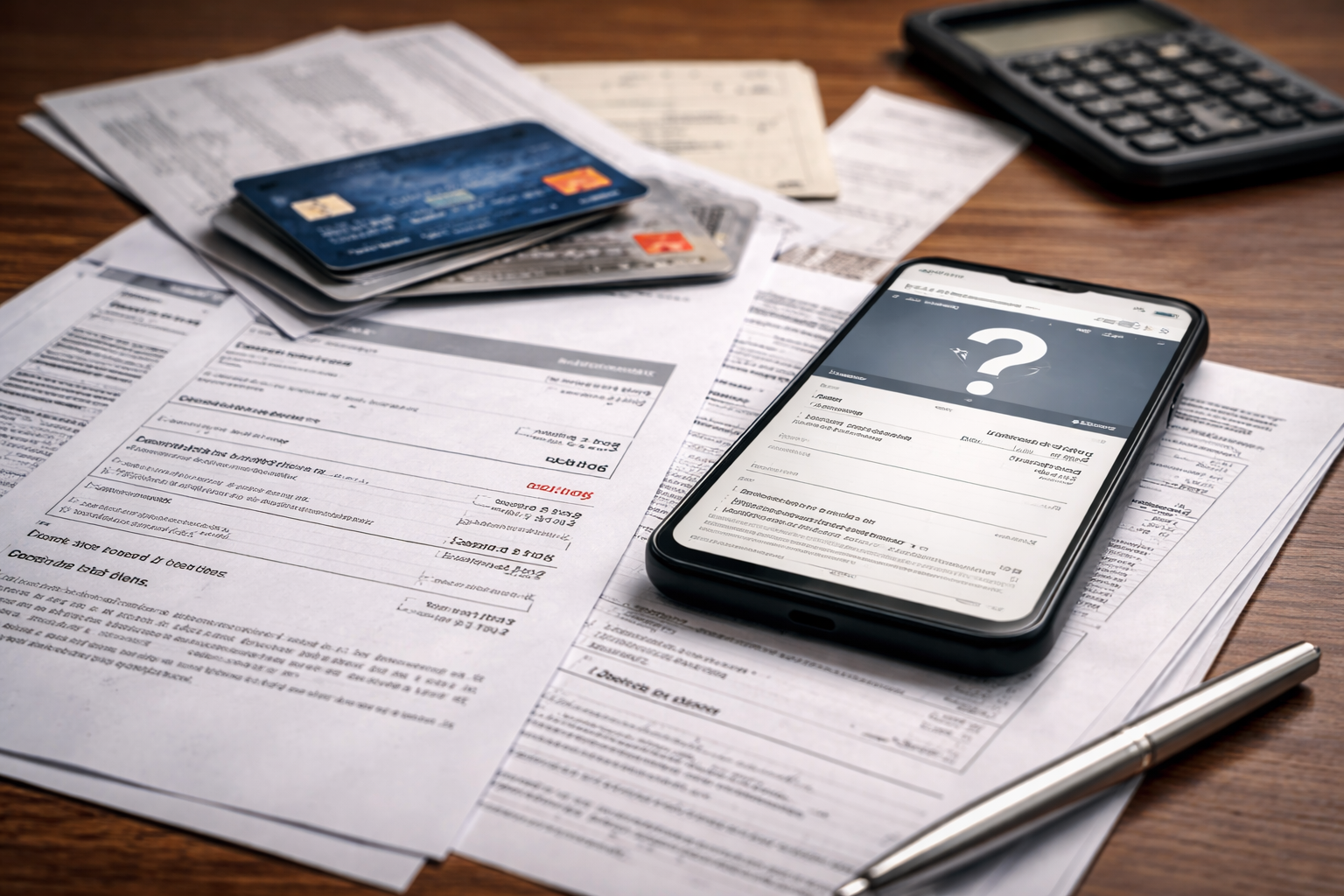
Credit card autopay failed but payment taken — I noticed it in the most boring moment possible: coffee in one hand, phone in the other, checking my card app before the day started. My bank account showed the money leaving. My credit card still showed “payment due” like nothing happened. No confirmation. No posted payment. Just a quiet contradiction that makes your stomach drop.
I didn’t spiral, but I got very focused. Because when a system says autopay failed while money is already gone, the real risk is not confusion — it’s timing. Timing is what triggers late fees, interest, and those “past due” alerts that can follow you even when you did everything right. If credit card autopay failed but payment taken is your situation, use this as your exact recovery plan.
One quick note: sometimes payment oddities show up when an issuer is running extra checks on your account (temporary holds, fraud filters, verification steps). If you’ve seen unusual account behavior lately, this short guide helps you recognize it so you don’t waste time guessing.
That page helps you interpret holds or “review” flags that can slow posting even when money moved.
Fast Reality Check (Before You Do Anything Else)
When credit card autopay failed but payment taken happens, most people make the same mistake: they send another payment immediately. That feels safe, but it can create a bigger mess (double payments, returned items, overdrafts, or “unapplied” credits that sit in limbo).
Do this first, in order:
- Check if the bank debit is pending or posted.
- Check if the card payment is processing, scheduled, or missing.
- Confirm the autopay date and the due date are not the same day.
- Search your email for “autopay failed,” “payment returned,” “unable to process,” or “bank rejected.”
- Look at your last statement: is autopay set to pay minimum or full balance?
Your goal in the first 10 minutes is to identify which system is lying: the bank view or the card view.
Choose Your Case Split (This Determines Your Next Call)
Use this to classify your situation if credit card autopay failed but payment taken:
- A. Bank debit is pending → likely settlement delay; avoid duplicate payment.
- B. Bank debit is posted, card shows no payment → start a payment trace; call issuer.
- C. Bank debit disappeared or reversed → bank returned the draft; call bank first.
- D. Card shows “failed,” but bank shows money gone → mixed status; ask issuer for payment status code.
- E. Two payments appear → duplicate payment; protect cash flow and prevent fees.
- F. Payment posted but still shows past due → posting timing; request fee protection.
Pick one letter and follow that path. This prevents wasted calls and contradictory explanations.
Case A — Bank Debit Is Pending (Most Common)
This is the classic version of credit card autopay failed but payment taken: your bank shows money “leaving,” but it has not actually settled. Many banks display a draft early while the ACH batch is still moving.
What to do now:
- Take a screenshot of the pending debit (date, amount, merchant/issuer name).
- Wait one business day if you are not at the due date.
- Do not cancel autopay mid-flight (it can create a second draft attempt).
- Do not send a manual payment unless the due date is within 24 hours.
Pending debits are not final. The system can still reverse them.
If your due date is close, skip to the “Credit Protection” section below.
Case B — Bank Debit Posted, Card Shows No Payment
If credit card autopay failed but payment taken and the debit is fully posted, you have enough proof to demand a trace. This is no longer “wait and see.”
Call the card issuer and say this:
“My bank shows the autopay debit has posted. Your system still shows payment due. I need a payment trace and confirmation that late fees will not apply.”
Ask two specific questions:
- “Do you see the payment in a pending or unapplied queue?”
- “What is the payment reference or trace ID on your side?”
Then call your bank if needed and ask for:
- ACH trace number (or payment ID)
- Date the transfer was sent
- Receiving company name and identifier
A trace number turns your “story” into a trackable transaction.
Case C — Bank Reversed the Draft (It Looked Taken, Then Came Back)
Another common version of credit card autopay failed but payment taken is when the bank initially shows the debit, then it disappears or comes back as a reversal/return.
Typical causes:
- Insufficient funds at settlement time (even if funds were there earlier)
- Bank flagged the debit as suspicious
- Account restrictions or holds
- Incorrect account number or closed account
What to do:
- Call the bank first and ask: “Why was this ACH debit returned?”
- Request the return reason code (banks can see this).
- Then update autopay settings after you know the reason.
Fix the bank-side cause first, or the issuer will keep failing future drafts.
Case D — Card Shows “Autopay Failed” but Bank Still Shows Money Gone
This is the scenario that feels the worst because it looks impossible. But it happens when one system updates faster than the other.
If credit card autopay failed but payment taken and your card app is screaming “failed,” ask the issuer for:
- Payment status code (processing, rejected, returned, unapplied)
- Whether the payment is “in transit” or “returned”
- Whether autopay attempted a second draft
Do not accept “just wait” without a status code.
If the rep cannot provide details, request a supervisor review. You are not being difficult; you are preventing fees.
Case E — Duplicate Payment (Autopay + Manual)
Duplicate payments are the #1 self-inflicted problem after credit card autopay failed but payment taken. People panic and pay manually, then autopay posts later.
If you see two payments:
- Do not request a chargeback on your own payment (it can trigger account restrictions).
- Ask the issuer to confirm which payment will be applied to the current cycle.
- If you need the money back quickly, request a refund of the extra payment.
If cash flow is tight, a duplicate payment can cause overdrafts and new fees.
Also, if your account is showing weird balance behavior after payments, this is often related to unapplied posting logic. This guide is helpful for that scenario.
This helps you diagnose when the payment exists but the system hasn’t credited it correctly.
Case F — Payment Posted but Account Still Shows Past Due
Sometimes credit card autopay failed but payment taken is a misread of timing. The payment posts, but the status doesn’t update until overnight processing or statement refresh.
Still, treat this seriously if you are near the due date.
Do this:
- Screenshot the posted payment and the “past due” status on the same day.
- Call the issuer and ask them to “note the account” and block late fees.
- Ask what time daily posting updates run for your account type.
If you want a dedicated explanation of late posting behavior, this internal guide supports that issue well.
Use it if the payment posted after the due date or your app is lagging.
Credit Protection (This Matters More Than People Realize)
Here’s the uncomfortable truth: systems can be wrong, but late marks can still be reported if you don’t act. When credit card autopay failed but payment taken hits near the due date, protect yourself like this:
- If due date is within 24 hours, make a small backup payment (minimum payment only) after confirming the first payment is not going to post in time.
- Call and request a late fee waiver in advance.
- Ask the issuer to confirm in writing (secure message or email) that they see the payment issue.
Backing up the minimum is safer than paying the full balance twice.
Why Issuers and Banks See Different Things
When credit card autopay failed but payment taken happens, it’s because your money moves through systems that do not share real-time ledgers.
- Your bank shows you the debit based on authorization.
- The card issuer posts the credit only after settlement and account reconciliation.
- Weekends and holidays pause settlement.
Two apps can both be “right” from their perspective — while you still get harmed by timing.
Escalation When You’re Being Charged Fees Anyway
If credit card autopay failed but payment taken causes late fees, interest, or other penalties despite proof, you can escalate. The most practical official channel in the U.S. is filing a complaint with the CFPB.
Before escalating, build a clean evidence packet:
- Screenshot of bank debit
- Screenshot of issuer showing payment due
- Your call dates and reference numbers
- Any secure messages or emails
Complaints work best when your documentation is calm and chronological.
What Not to Do (Even if You’re Angry)
After credit card autopay failed but payment taken, avoid these moves:
- Disputing your own autopay debit as “fraud” without confirming what happened
- Closing the bank account immediately
- Turning autopay on/off repeatedly within the same week
- Paying the full balance twice “just to be safe”
These actions create additional flags and delays.
Prevention (Make Autopay Safer, Not Scarier)
Once you resolve credit card autopay failed but payment taken, make the next month easier:
- Schedule autopay 3–5 days before the due date.
- Keep a buffer in the funding account.
- Use alerts: payment due, payment posted, low balance.
- After any bank account change, confirm autopay details twice.
Autopay is best when it has time padding.
Key Takeaways
- Credit card autopay failed but payment taken is usually a timing or posting issue, not missing money.
- Identify your scenario first: pending, posted-but-missing, returned, misapplied, duplicate, or status lag.
- Use a trace number to convert panic into proof.
- Protect your due date to prevent fees and score damage.
- Escalate with documentation if penalties occur.
FAQ
Should I pay again right away?
Not unless you confirm the first payment will not post in time. Duplicate payments are common and painful.
How long can it take to post?
Often 1–3 business days. Weekends and holidays extend it.
What if my bank shows posted but the card shows nothing?
Ask the issuer for a payment trace and ask your bank for the ACH trace number.
Can late fees be removed?
Often yes, especially when you can show the debit occurred. Ask for a waiver and account notes.
Your Next Move (Do This Now)
Credit card autopay failed but payment taken can make you feel like you have no control. You do. Your control is documentation and timing.
Today, your job is to prove payment movement and block penalties before the cycle closes.
- Pick your case split letter (A–F).
- Take screenshots (bank + card) while the mismatch exists.
- Get a status code or trace number.
- Call and ask for fee protection if the due date is close.
I’m not going to tell you “you should have checked earlier.” Autopay exists so you don’t have to think about payments. If the system glitched, that’s not your failure. But acting fast is what keeps a solvable error from becoming a costly one.
If you want to keep building your understanding of payment delays and how issuers think, this page is a solid next step when the timing becomes the entire problem.