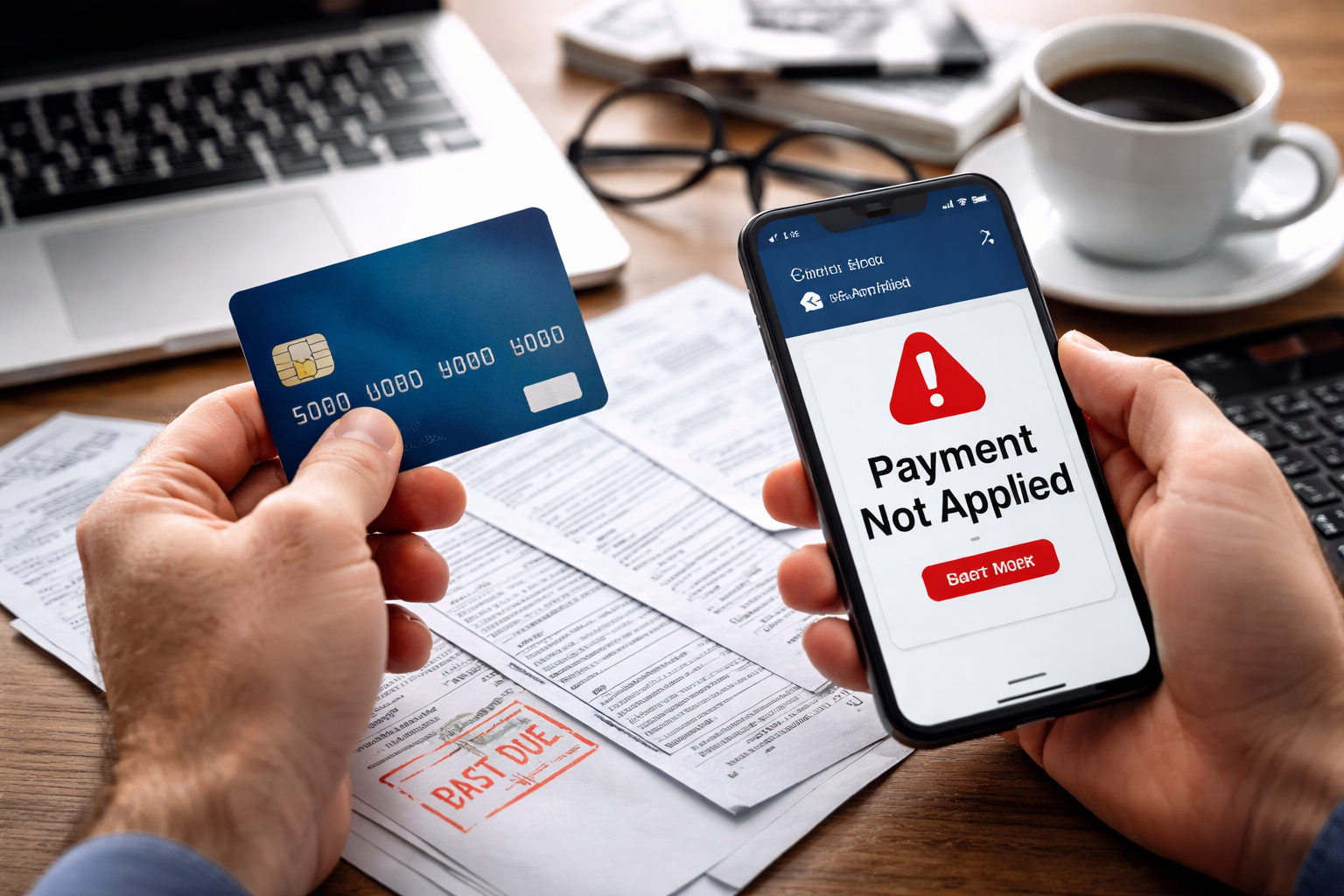
credit card payment not applied was the first thing I typed into Google the moment my account dashboard refreshed—and the balance didn’t move.
I wasn’t panicking, but I felt that quiet, practical fear: “If the system says I didn’t pay, will they treat me like I didn’t?” I had the confirmation email, the bank showed the money left, and yet the card account still looked untouched. I knew I needed a clean plan, not a rant, because the clock to late fees and interest doesn’t care about “I swear I paid.”
By the second refresh, I stopped clicking around and started documenting. When a payment doesn’t show up, the fastest win comes from proving three things: the money left your bank, where it went, and what the card issuer’s system expects to see. This guide walks you through that exact process—without guessing, without escalating too early, and without doing the one or two mistakes that can make it worse.
Quick Self-Check (60 Seconds)
- Where did you pay? Card app, bank bill-pay, phone agent, mailed check, or third-party service.
- What’s the “effective date”? Some payments show “processing” before they post.
- Did the bank show a “posted” transaction? Pending is different from posted.
- Did you pay the correct account? Same issuer + different card number is a common trap.
- Is autopay involved? Double systems (manual + autopay) can trigger reversals or holds.
If your bank shows the payment is still pending, your next move is different than if it’s posted. The sections below split your situation so you can act immediately.
Why This Happens (The System, Not Your Imagination)
Most “payment not applied” situations come from one of these system realities:
- Posting delay: The money left your bank, but the issuer hasn’t posted it to your card ledger yet (weekends/holidays amplify this).
- Misapplied payment: The issuer received funds but applied them to the wrong card/account within the same institution (or a closed/old account).
- Returned or reversed payment: The payment initially moved, then got returned due to account mismatch, insufficient funds, verification holds, or bill-pay correction.
- Lockbox/mail processing: Checks and some bill-pay flows route through a processing center; a wrong stub/account number can stall or misroute it.
- Partial application rules: Some systems apply payments in a specific order (fees/interest/principal) and the displayed balance may not change the way you expect immediately.
credit card payment not applied often looks like a single problem, but it’s usually one of these categories. Once you identify which category you’re in, you can fix it faster and avoid unnecessary disputes.
What the Issuer or Merchant “Sees” on Their Side
Even when you “paid,” the issuer’s support team often can’t act until they can match your payment to an internal record. Typically they look for:
- Payment reference: confirmation number (if paid via issuer app/website)
- Bank trace details: ACH trace number, bill-pay confirmation, or check image
- Exact amount + date: helps them locate the incoming entry
- Account mapping: which card/account should receive credit
Your goal is to bring them “matchable” evidence, not just a screenshot of a bank balance. You’ll see exactly what to collect below.
Your Rights
This is not legal advice, but in plain terms: you generally have the right to accurate account crediting and fair handling of billing/payment errors. If you can show the payment left your bank and was intended for the account, you can request investigation and correction, including late-fee reversal if the error wasn’t your fault.
For an official consumer-facing starting point, you can review payment/billing dispute guidance here:
Use this official resource if you need a clear, documented pathway:
Do This First (Proof Pack You Can Build in 10 Minutes)
Before calling anyone, assemble a “proof pack.” This is what gets things solved quickly:
- Bank proof: screenshot showing the payment status as posted (not pending), amount, date
- Payment method details: bill-pay confirmation ID, issuer confirmation number, or check number
- Recipient details: payee name used in bill pay, last 4 digits of the card/account you intended
- Timeline note: when you made the payment, when funds left bank, when you noticed it wasn’t credited
If your payment is still pending at the bank, wait until it posts before escalating—unless a due date is within 24 hours. If a due date is close, you’ll handle that in the “Urgent” section below.
Case Branching : Find Your Exact Situation
Pick the closest case. Don’t mix steps from multiple cases unless the steps explicitly say so.
Case A — Bank shows “pending” (not posted yet)
- Do not file a dispute yet. Pending payments often post within 1–3 business days.
- Check whether you paid on a weekend/holiday and whether your issuer posts credits only on business days.
- If your due date is imminent, call the issuer and ask for a temporary late-fee suppression note while the payment posts.
Case B — Bank shows “posted,” issuer shows no credit
- Call issuer support and say: “My bank shows the payment posted. I need help locating and applying it to the correct account.”
- Provide amount, date, and method. Ask whether they can search incoming payments by amount/date.
- Ask if it may be sitting in unapplied funds or routed to a different account.
Case C — Issuer shows a payment, but it’s applied to the wrong card/account
- Request an internal payment reallocation to the correct account/card.
- Ask for the expected completion time (same day vs 3–5 business days).
- Request confirmation in writing (secure message/email) showing the reallocation request.
Case D — Payment was reversed/returned
- Ask for the reversal reason code (wrong account number, verification, insufficient funds, etc.).
- Confirm your bank account/routing details and the payee setup if using bill pay.
- If you need to re-pay, do it through the issuer’s official portal (less routing risk) and keep confirmation.
Case E — You paid through a third party (debt relief, bill service, pay-by-phone vendor)
- Get the third party’s transaction ID + proof of remittance to the issuer.
- Confirm exactly which account number they sent it to.
- Escalate with the third party first if they never remitted funds.
credit card payment not applied problems resolve fastest when you commit to one case path and gather the right proof for that path.
Urgent Path (Due Date Within 24–48 Hours)
If you’re close to a due date, your goal is to prevent damage while the payment gets located.
- Call issuer immediately and request a note: “Payment made, posting/investigation pending.”
- Ask about late fee waiver policy if proof shows the payment left your bank on time.
- If needed, make a minimum payment through the issuer portal to stop late reporting—then request adjustment once the missing payment is applied.
Yes, it feels unfair to pay twice, but a temporary minimum payment can be cheaper than a late fee + interest + credit reporting headache. You can still pursue correction afterward with documentation.
Exact Call Script (So You Don’t Get Stuck in Loops)
Use this verbatim structure (short, factual, hard to dismiss):
- Sentence 1: “My bank shows a payment of $___ posted on ___ to this credit card, but the account has not been credited.”
- Sentence 2: “I can provide confirmation/trace details. Please search incoming payments by amount/date and check for unapplied funds or misapplied posting.”
- Sentence 3: “If this affects my due date, I’m requesting late-fee suppression while this is investigated.”
credit card payment not applied calls go better when you push the agent toward a searchable record (“incoming payments by amount/date”) instead of debating whether you “really paid.”
What Not To Do (Common Mistakes That Backfire)
- Don’t dispute immediately if the bank shows “pending.” You can create a reversal while the issuer is still processing.
- Don’t keep re-paying blindly. Multiple payments can trigger fraud holds or cash-flow problems.
- Don’t rely on chat screenshots alone. Get reference numbers and written confirmation whenever possible.
- Don’t ignore due dates while “waiting for the system.” Use the urgent path if needed.
- Don’t assume the payee setup is correct in bill pay—one wrong digit can send money into limbo.
Internal Help (Use These When Your Situation Expands)
If, while fixing your missing payment, you realize the issue is actually a broader billing mismatch or a duplicate charge, these guides will help you pivot cleanly without mixing dispute types.
When the numbers on your statement don’t match reality (fees, wrong totals, posting oddities), start here with a step-by-step approach:
If you discover the payment confusion came from a second charge (duplicate transactions, double authorization vs posting), use this guide:
FAQ
- How long should I wait before escalating?
If your bank shows the payment pending, give it 1–3 business days. If it’s posted and still not credited after 24 hours, escalate with proof. - Will this hurt my credit if it’s not applied?
It can if it causes a missed due date. Use the urgent path: call, request suppression, and consider a minimum payment to prevent late reporting. - What if the issuer says they can’t find it?
Ask what they need to locate it: ACH trace, bill-pay confirmation, check image, or payment reference. Then provide exactly that. - Should I file a dispute with my bank?
If the payment is posted and the issuer confirms they never received it, a bank trace/dispute may be appropriate. Avoid disputing while it’s still pending. - What if the payment went to the wrong account?
Request an internal reallocation and get a written confirmation. This is common and usually fixable.
Key Takeaways
- Separate “pending” from “posted” before you escalate.
- Build a proof pack (posted status + confirmation/trace + exact amounts/dates).
- Choose one case path (delay vs misapplied vs reversed vs third-party) and follow it end-to-end.
- If a due date is close, protect yourself first (issuer note + suppression request + minimum payment if needed).
- Get reference numbers and written confirmation so you don’t restart the story with every new agent.
Final Steps (Do This Now)
Here’s the clean action plan you can do today:
- Confirm the payment status at your bank (pending vs posted).
- Collect your proof pack (amount/date/method/confirmation/trace).
- Call the issuer and use the call script to trigger an incoming-payment search.
- If the due date is close, request late-fee suppression and protect your account.
I learned the hard way that refreshing a dashboard doesn’t solve anything—documentation does. Once I treated it like a matching problem (bank record → issuer record), the conversation changed instantly. The agent stopped repeating policy lines and started searching for the incoming entry.
credit card payment not applied is stressful because it feels like your proof doesn’t matter—but it does, as long as you present it in the format their system can confirm. Do the proof pack first, then make the call with the script, and don’t let a due date pass while the system “catches up.”