
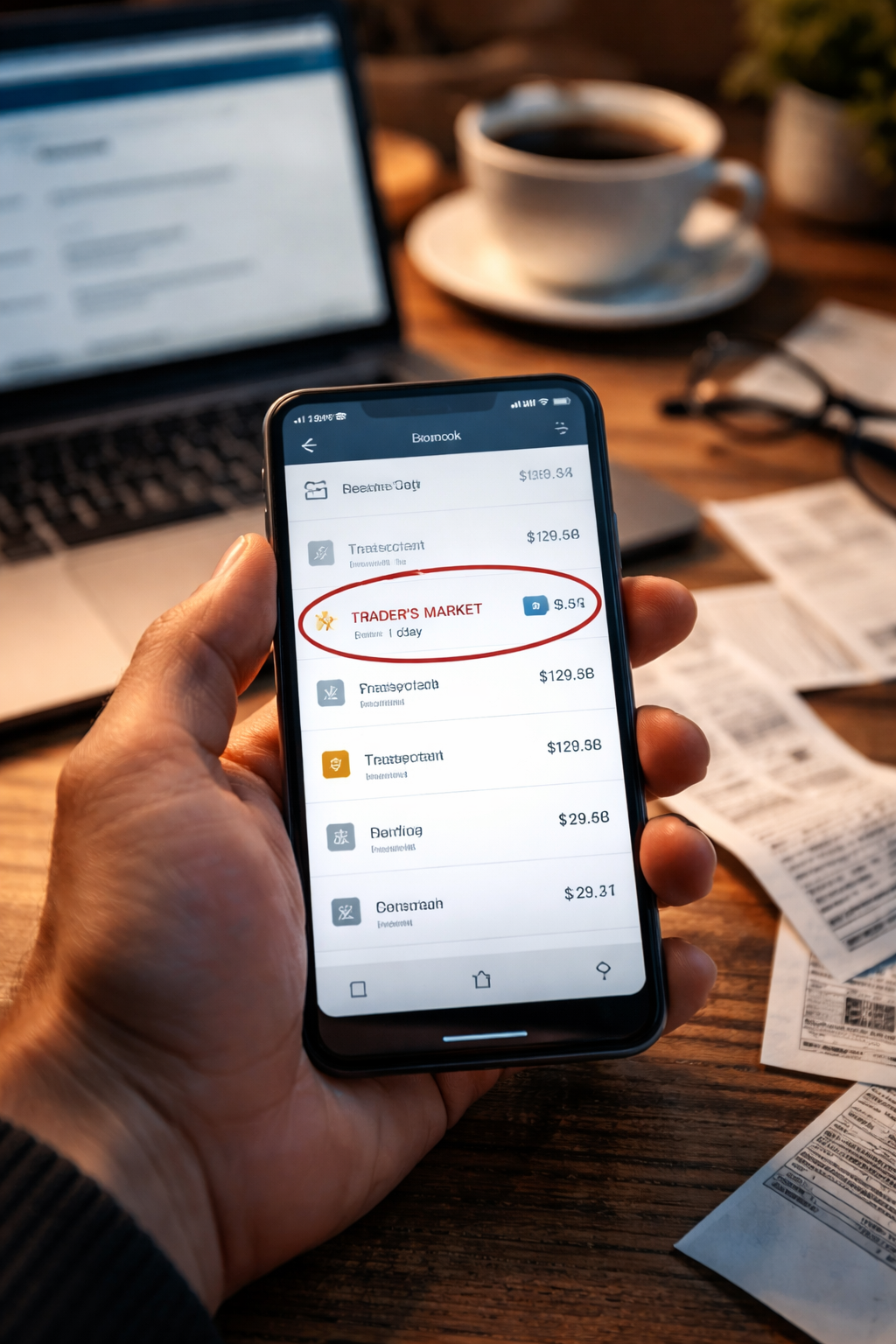
credit card billing error. That was the exact phrase I typed after staring at my card app for a full minute. I had opened the app to confirm my balance before paying another bill, and the number was higher than it should have been — not “maybe higher,” but clearly wrong. Same merchant name I recognized. Same day I remembered shopping. But the amount was off enough that it couldn’t be a rounding issue.
It didn’t feel dramatic. It felt mechanical. Like a small crack in the floor that you know can spread if you walk away. I wasn’t shaking, but I did feel the “should I deal with this now?” hesitation. That hesitation is expensive, because billing systems reward fast, clean reporting.
The First 10 Minutes: Do This Before You Contact Anyone
When a charge looks wrong, most people rush to call. That’s understandable, but a quick prep step makes your report sharper and harder to dismiss. If you can’t explain the issue in one sentence, the first rep might categorize it incorrectly and slow you down.
- Confirm whether the charge is posted or still pending (pending behaves differently)
- Screenshot the line item (merchant name, date, amount, last 4 digits if shown)
- Write one clean sentence: “This charge is wrong because ____.”
- Search your email/text for a receipt, invoice, cancellation, or refund confirmation
- Note whether you used Apple Pay/Google Pay, chip, swipe, or online checkout
Goal: walk into the conversation with facts, not frustration.
Why “It Looks Wrong” Isn’t Enough
A credit card billing error can be real even if you recognize the merchant. The problem is that “recognize the merchant” doesn’t prove the amount, the quantity, the date, or the agreement terms were correct. Card issuers and processors think in categories: duplicate processing, incorrect amount, canceled service billed, refund not received, merchandise not delivered, and so on.
If you only say “I think it’s wrong,” the system may treat it like buyer’s remorse. If you say exactly what’s wrong, the system treats it like a dispute that must be routed and tracked.
Case Split: Pick Your Situation (Then Follow the Matching Steps)
Use this as a quick self-sort. Don’t overthink it — choose the closest match, then follow the actions for that block.
- A) Amount is wrong (you paid $40, statement shows $140)
- B) Duplicate charge (same merchant, same amount, two times)
- C) Refund promised, but charge still there (or refund never arrived)
- D) Subscription or recurring charge you tried to stop
- E) Hotel / car rental / gas station “extra” hold that turned into a real charge
- F) You don’t recognize the transaction at all
Once you pick the block, stick to it. Jumping between blocks creates confusion and delays.
A) Wrong Amount Charged (The “Receipt vs Statement” Problem)
This is one of the cleanest to fix if you document it correctly. The key is proving the agreed amount.
- Find the receipt/invoice (email, screenshot, POS receipt, order confirmation)
- Compare the final total (including tax/tip) to the statement amount
- If there was a tip: confirm whether you tipped on-screen, wrote it, or tipped later
What to say (simple script):
- “The merchant charged an incorrect amount. My receipt shows $__, but my statement shows $__.”
- “I can provide the receipt and the charge screenshot.”
Do not say “they scammed me” unless you truly don’t recognize it. If it’s a mismatch, call it a mismatch.
B) Duplicate Charge (Two Lines That Should Be One)
A credit card billing error often shows up as a duplicate when a terminal times out, a cashier retries, or a processor batches the same transaction twice. It can also happen when a pending authorization and the final settlement both appear as posted (less common, but it happens).
What to check before you report:
- Are both charges posted, or is one still pending?
- Do they have identical amounts and dates?
- Is one marked “reversal” or “credit”?
Action steps:
- If one is pending: wait 24–72 hours while monitoring (many duplicates disappear automatically)
- If both are posted: file a dispute with “duplicate processing” and attach screenshots
Don’t wait beyond your statement cycle hoping it will self-correct. If both are posted, treat it as real money.
C) Refund Promised, But You Still Got Billed
This is where people lose weeks. Not because they’re wrong, but because they report it the wrong way. A promised refund is not the same thing as an issued refund, and sometimes the merchant “approved” it internally without sending it through the payment rails.
Evidence that matters most:
- Refund confirmation email / chat transcript / ticket number
- Return tracking (if you shipped something back)
- Date the merchant said “refund initiated”
Action steps:
- Ask the merchant for the refund transaction reference (sometimes called ARN/RRN or a refund ID)
- If they can’t provide a reference within 48 hours: dispute as “refund not received / credit not processed”
If the merchant can’t produce a refund reference, the “refund” may not exist in the system yet.
D) Recurring or Subscription Charge You Tried to Stop
A credit card billing error in recurring billing happens when cancellation didn’t fully propagate: you canceled the account, but the payment token kept renewing. Sometimes you canceled a trial, but the merchant argues you canceled “after the cutoff time.”
What wins these cases:
- Cancellation confirmation page screenshot with timestamp
- Email confirming “Your plan is canceled”
- Account page showing status “inactive”
Action steps:
- Cancel again and screenshot the confirmation
- Remove stored payment method if possible
- Dispute the latest charge using “canceled service billed”
Do not rely on “I thought I canceled.” Rely on proof that you canceled.
E) Hotel / Car Rental / Gas Station Holds That Turn Into Real Charges
This is where normal people get fooled because the charge looks “legit” and the merchant name is familiar. Hotels and rentals often place a hold for incidentals. Gas stations often place a pre-authorization hold. Most holds drop. Some don’t. Some get partially captured incorrectly.
Quick test: did you see two different amounts from the same place — one small, one large?
- If it’s a hold: it usually disappears in a few days
- If it posted as final: you need an itemized folio / rental receipt showing why
Action steps:
- Request an itemized bill (folio for hotels, closing receipt for rentals)
- Compare the itemized list to what you actually used/received
- Dispute only the difference you can prove is wrong
When you dispute a hotel/rental charge, specificity matters more than volume. “This $___ damage fee is incorrect; there was no inspection record provided” works better than “they overcharged me.”
F) You Don’t Recognize the Charge at All
This scenario isn’t a “maybe.” If you truly don’t recognize it, treat it seriously and act quickly. A credit card billing error in this category can also be a merchant descriptor mismatch (the business name on the statement isn’t the same as the storefront name). Still, you should proceed as if it’s unauthorized until you confirm otherwise.
Action steps:
- Search the merchant descriptor online (sometimes it maps to a parent company)
- Check whether a family member used the card or a saved wallet used it
- If still unknown: report it as unauthorized and request a replacement card
Unauthorized disputes move faster when you report them cleanly and early.
The “Evidence Pack” That Makes Disputes Smooth
If you want the fastest path, prepare a mini bundle you can upload or reference immediately. This works across almost every credit card billing error type without making you write an essay.
- 1 screenshot of the charge line item
- 1 screenshot/photo of the receipt or confirmation
- 1 screenshot of cancellation/refund promise (if relevant)
- 1 sentence summary of what is incorrect
- Dates: purchase date, posted date, promised refund date (if any)
Keep it tight. Too many attachments can slow review; the right attachments speed it up.
What the Issuer Needs From You (So You Don’t Get Stuck in “Pending Review”)
Issuers are trained to route disputes correctly. They usually need three things:
- Category: what kind of dispute is it?
- Proof: what supports your claim?
- Timeline: when did it happen and when did you notice?
If your report is missing one of these, the case can stall or get labeled as “merchant issue.” You don’t need to argue — you need to categorize.
One Official Source to Anchor Your Rights
For U.S. consumers, this is the one official reference you can lean on without quoting random blogs. If you need a grounded explanation of dispute rights and process, use it:
This is general information, not legal advice. But it’s the clean baseline that keeps you aligned with how issuers expect disputes to be filed.
Absolute Mistakes That Make Things Worse
These are the mistakes that turn a fixable issue into a month-long headache:
- Calling it fraud when it’s a receipt mismatch (misclassification slows routing)
- Waiting for the merchant “to get back to you” past your statement timeline
- Disputing everything instead of disputing the provable part
- Paying nothing without understanding minimum-payment impact
- Submitting a dispute with no proof, then getting surprised when it stalls
If you do only one thing right: document and categorize.
Key Takeaways
- Act while the timeline still protects you.
- Pick the right case category before you talk to anyone.
- Use an evidence pack: 2–4 screenshots + one sentence.
- Dispute what you can prove, not what you suspect.
FAQ
Should I wait if the charge is pending?
If it’s clearly a pre-authorization or temporary hold, it often drops in 24–72 hours. If it looks like a true posted duplicate or posted wrong amount, don’t wait.
Do I need to call, or can I do it online?
Many issuers let you dispute in-app or online. If your case is complex (refund promises, itemized bills), phone support may let you explain the category more clearly.
What if the merchant name looks unfamiliar but the purchase seems real?
Sometimes the descriptor is a parent company. Check receipts, email confirmations, and merchant descriptor search results. If you still can’t match it, treat it as unauthorized.
Can I dispute only part of a charge?
Often yes — especially with hotels, rentals, or incorrect add-on fees. Partial disputes can be cleaner than disputing the whole transaction.
The moment you spot a credit card billing error, you’re not “being picky.” You’re catching a system mismatch early enough to fix it cleanly. The best outcomes happen when you move fast, stay precise, and keep your evidence simple.
Open your statement again right now, take the screenshots, and choose the case block above. Then file the report in the clearest category you can. You’re not asking for a favor — you’re activating a standard process designed for exactly this situation.