
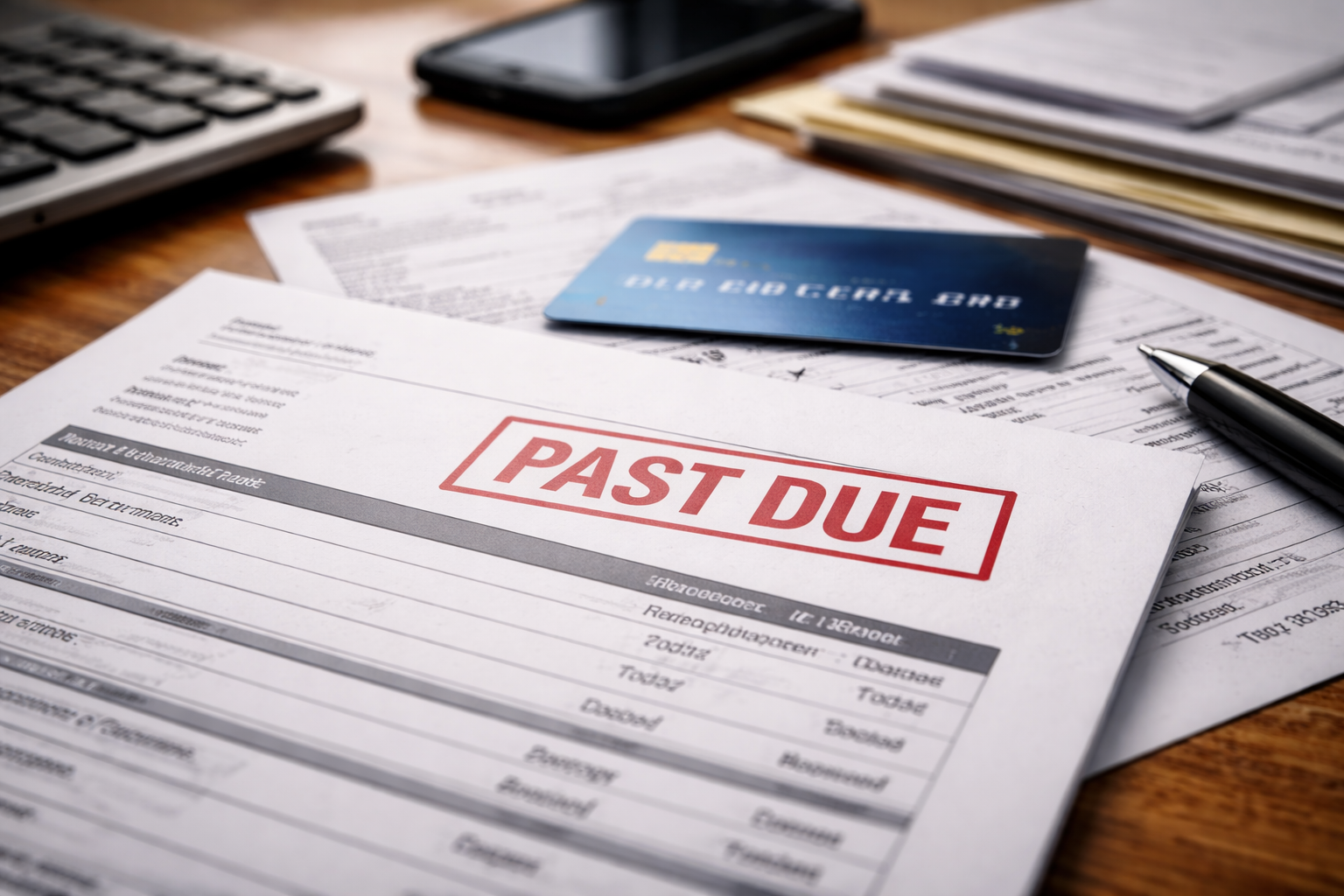
Credit card shows past due incorrectly — I noticed it while I was logging in for something totally routine. I wasn’t even looking for a problem. The account page loaded, and the status line punched me in the face: “Past Due.” I felt that quick, stupid flash of doubt—like maybe I missed a date, maybe I misread the statement, maybe my bank transfer didn’t go through.
Then I opened my bank app and saw it clearly: the payment had cleared days ago. Not “pending,” not “processing.” Cleared. That’s when the worry changed shape. It wasn’t just about a fee anymore. It was about the chain reaction: late fees, interest, account restrictions, and a credit file that could get polluted by an error.
YMYL note: This article provides general consumer information for U.S. readers. It’s not legal advice. If you’re facing identity theft, large losses, or collection threats, consider speaking with a qualified professional in your state.
Before you do anything else, anchor yourself with the “bigger map” of billing errors. This prevents you from fixing the wrong thing:
If a credit card shows past due incorrectly, your first goal is simple: stop the damage before it becomes “history.”
The Two Things You Must Confirm in the First 10 Minutes
When a credit card shows past due incorrectly, your actions should start with verification—not emotion. Pull up three screenshots immediately:
- Your bank proof (transaction details + “completed/posted” status)
- Your card account history (payment entry + date)
- Your statement page (due date + minimum due + statement balance)
This is the moment most people lose time: they remember they paid, but they don’t capture proof while the pages still show the mismatch.
Then confirm these two facts:
- Did the payment post to the card account? (not just leave your bank)
- Has the issuer already reported a late status to credit bureaus?
“Posted” and “reported” are different. Your strategy depends on which one you’re dealing with.
Decision-Path Box: Pick the Exact Reason This Happened
Choose the closest match:
- Path A: Bank shows completed, card shows missing payment.
- Path B: Payment shows “pending” or “processing,” but card marked past due.
- Path C: Payment posted, but the system still says past due (often a leftover balance).
- Path D: Autopay was “on,” but the amount or date was wrong.
- Path E: Payment reversed, bounced, or got returned unexpectedly.
- Path F: You paid, but applied to the wrong account or wrong card.
- Path G: Past due status appeared after a dispute, fraud issue, or account review flag.
When a credit card shows past due incorrectly, matching the right path is the difference between a 15-minute fix and a 60-day mess.
Path A: Bank Shows Completed, Card Shows Missing Payment
This is the most panic-inducing version of credit card shows past due incorrectly because it feels like your money disappeared. Usually, it didn’t. Usually, it’s one of three things:
- The issuer hasn’t matched the incoming payment file to your account yet
- The payment posted to a different loan/card profile under the same login
- The payment is sitting in a “suspense” bucket because the reference info didn’t match
Your move here is to request a payment trace, not a generic “check.”
Phone script (use this exact structure):
- “My bank shows the payment as completed on (date).”
- “My card account is marked past due. I need a payment trace.”
- “Can you confirm whether the payment is in suspense or misapplied?”
- “Has any late status been reported to credit bureaus yet?”
- “Please place a reporting hold while this is investigated.”
Be calm. Be specific. The words “payment trace” and “reporting hold” signal you know what matters.
If the agent seems lost, politely ask for “billing department” or “payments research.”
Path B: Payment Is Pending, but You’re Already Marked Past Due
In a credit card shows past due incorrectly situation, “pending” payments can trigger a false delinquency if the due date passed and the system only recognizes posted payments.
This often happens when:
- You paid after the cutoff time on the due date
- You paid on a weekend/holiday
- You used an ACH transfer from a new bank account
This is not about arguing. It’s about preventing the system from stamping a late mark while the payment is settling.
Action:
- Ask the issuer to note “payment in transit” on the account
- Request a late-fee waiver if a fee posts
- Confirm your payment method and expected posting timeline
If your payment has a history of weird posting delays, this can help you identify the pattern:
Path C: Payment Posted, Yet the Account Still Shows Past Due
This is the sneaky version of credit card shows past due incorrectly. The payment posted, so you feel safe—but the status still says delinquent.
Common causes:
- A leftover micro-balance (interest trailing from the prior cycle)
- A fee posted after your payment (late fee, cash advance fee, foreign transaction fee)
- Your payment was allocated in a way you didn’t expect (fees first, then interest)
When the system sees any required minimum remaining, it can keep the “past due” label.
Action:
- Ask: “Is there a remaining past-due amount?”
- Ask for a “payment allocation review” if the remaining amount doesn’t make sense
- Request a courtesy reversal for any fee created by system timing
If a late fee is involved and looks wrong, use this supporting context:
Path D: Autopay Was On, But the Amount or Date Was Wrong
Autopay can still lead to credit card shows past due incorrectly because autopay doesn’t always mean “statement balance on due date.” It can mean:
- Minimum payment only
- Fixed amount that used to be enough but isn’t now
- Draft date after the due date
- Autopay disabled after a card replacement or account update
Autopay failures are dangerous because people stop checking their statements.
Action:
- Ask the issuer: “What was the autopay setting at the time?”
- Ask your bank: “Was any draft attempted or blocked?”
- Update autopay and set a calendar reminder for the next due date
Path E: Payment Reversed, Returned, or Bounced
This is the version where credit card shows past due incorrectly might actually be “correct” from the system’s viewpoint, even though it feels unfair.
Reversals happen because:
- Insufficient funds at the moment of settlement
- Bank flagged the transaction as unusual
- Wrong routing/account number
- Issuer rejected the payment source
Here you need clarity fast: was the payment returned, or is it still processing?
If you’ve ever seen a reversal “stick” on your card account, this may match your situation:
Action:
- Make a same-day backup payment (if you can) using a different method
- Ask the issuer to waive fees triggered by a bank-side error
- Request the exact return reason code
Path F: Paid the Wrong Account or Wrong Card
It happens more than anyone admits. If a credit card shows past due incorrectly and you have multiple cards, payments can land in the wrong place.
Action:
- Verify the last 4 digits of the card/account paid
- Ask the issuer to “reapply” or transfer the payment if possible
- Request a manual hold on delinquency reporting during correction
Don’t argue about intent. Focus on correction mechanics.
Path G: Past Due Appeared After a Dispute, Fraud Issue, or Review Flag
Sometimes a credit card shows past due incorrectly because the account is under risk controls. For example:
- A disputed charge was reinstated
- A fraud claim changed the balance unexpectedly
- The account was placed under review and payments are delayed
In these cases, you must fix the underlying trigger, not only the status label.
If your account feels “restricted” or suddenly different after a conflict event, read this next:
The “Reporting Risk” Question You Must Ask Every Time
When a credit card shows past due incorrectly, ask this clearly:
“Has any late payment information been furnished to the credit bureaus for this cycle?”
If they say “not yet,” request:
- A reporting hold / suppression while the trace is open
- A note that the delinquency is disputed as inaccurate
- Confirmation via secure message if possible
Pre-report fixes are drastically easier than post-report cleanups.
What to Document So You Win If This Escalates
If a credit card shows past due incorrectly and you later need to dispute reporting, documentation becomes your leverage. Save:
- Bank proof of payment (PDF or screenshot)
- Issuer payment history screenshot
- Secure message confirmations
- Agent name, date, time, and reference number
- Any fee posting screenshots
Documentation turns a “he said/she said” into a solvable file.
One Official External Resource for Credit Reporting Errors
If the error reaches your credit report, you can dispute inaccurate information. Here’s the official consumer guidance:
Even when the issue starts with your card account, credit bureaus can be affected if the error is furnished.
Mistakes That Make a False Past-Due Status Stick
These are the mistakes that keep credit card shows past due incorrectly problems alive for weeks:
- Assuming “it will update tomorrow”
- Only chatting with support and never getting confirmation
- Not asking about reporting status
- Not saving screenshots while the mismatch is visible
- Paying again without confirming allocation (can create new confusion)
Silence can be interpreted as acceptance, especially in automated reporting systems.
Key Takeaways
- credit card shows past due incorrectly is often a timing or allocation problem, but it can still cause real damage
- Confirm “posted” vs “reported” immediately
- Use the correct path (A–G) to avoid wasted calls
- Request a payment trace and a reporting hold when needed
- Documentation is what turns a panic moment into a clean correction
FAQ
Will this hurt my credit right away?
Not always. Reporting depends on the issuer’s furnishing cycle. But the best outcome is preventing the wrong data from being reported at all.
Should I make another payment to be safe?
Only after you confirm whether the original payment is missing, misapplied, or returned. Otherwise you can create an allocation mess that takes longer to unwind.
What if the issuer says they can’t stop reporting?
Ask for a supervisor and request a “reporting hold while a payment trace is open.” Some agents won’t offer it until you use the right language.
What if the past-due label remains even after they confirm I paid?
That often indicates a leftover balance, fee, or allocation issue. Ask for the “remaining past-due amount” and request a payment allocation review.
Final Action Plan (Do This Today)
credit card shows past due incorrectly is the kind of issue that becomes expensive when you treat it like a cosmetic bug. It isn’t. It’s a status flag that can trigger fees, restrictions, and credit reporting.
Here is the most direct plan:
- Screenshot proof of payment and the past-due status
- Call the issuer and request a payment trace
- Ask whether any late status has been reported
- Request a reporting hold while the trace is open
- Get a reference number and confirmation message
Do those steps today, not “this week.”
If the system is wrong, you want the correction to happen while the file is still warm and easy to fix. If you act now, you can often get this resolved without your credit ever reflecting the mistake.